Which chart files does Stitch Garden open?
Pattern Maker .xsd files, PDF charts, .oxs files and PCStitch .pat files from versions 6 to 11. Encrypted formats such as .saga and .cstx can't be opened.
Can it read the PDF chart I bought?
Vector PDF support has been tested with Pattern Maker exports. Stitch Garden reads the page's drawing and checks it against the printed stitch count. Image-only PDFs use on-device recognition and may need corrections; backstitch and fractional stitches are not recognized in those images. Photos and scans of paper charts are not supported.
How do I open an .xsd cross-stitch file on my iPhone?
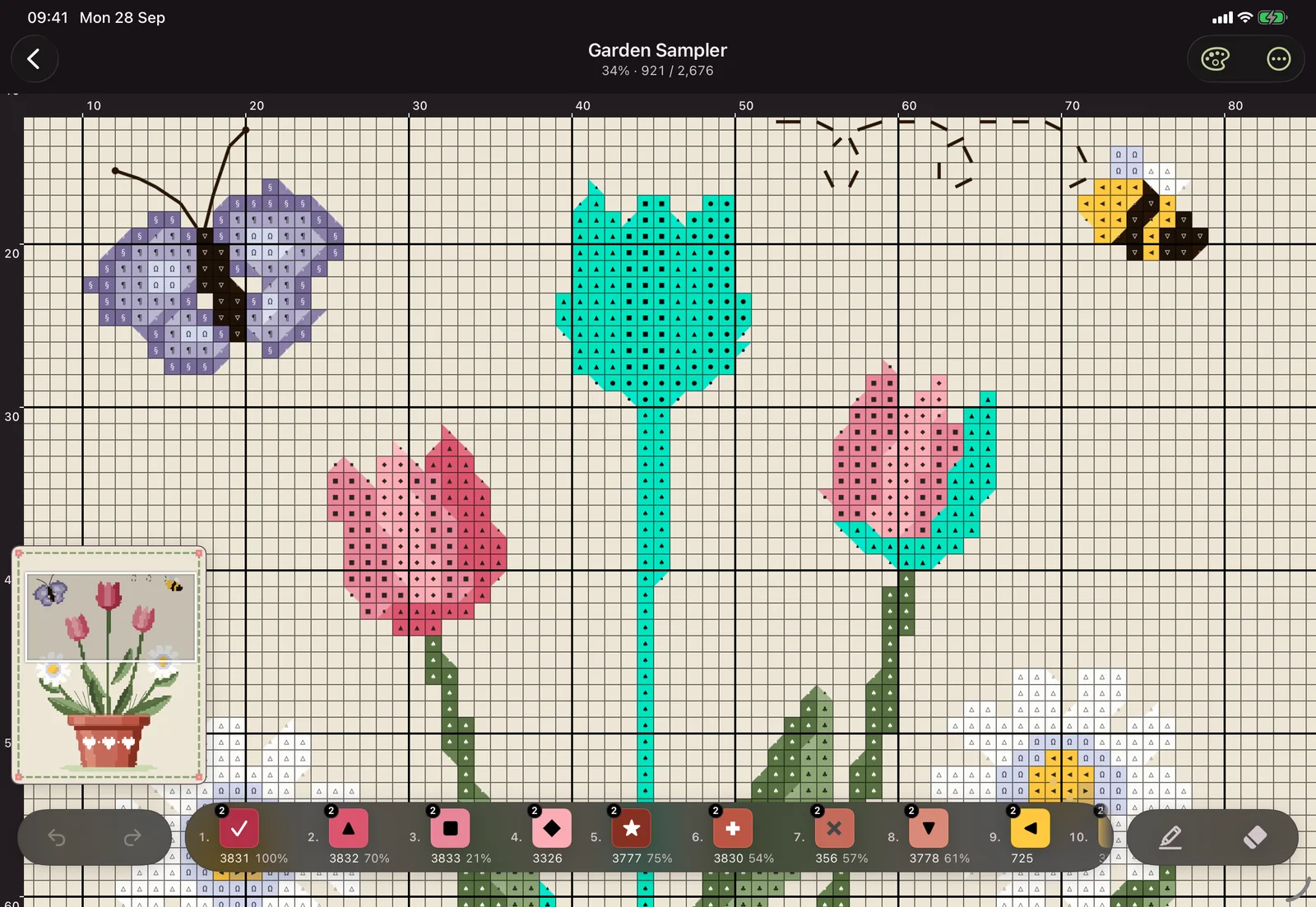
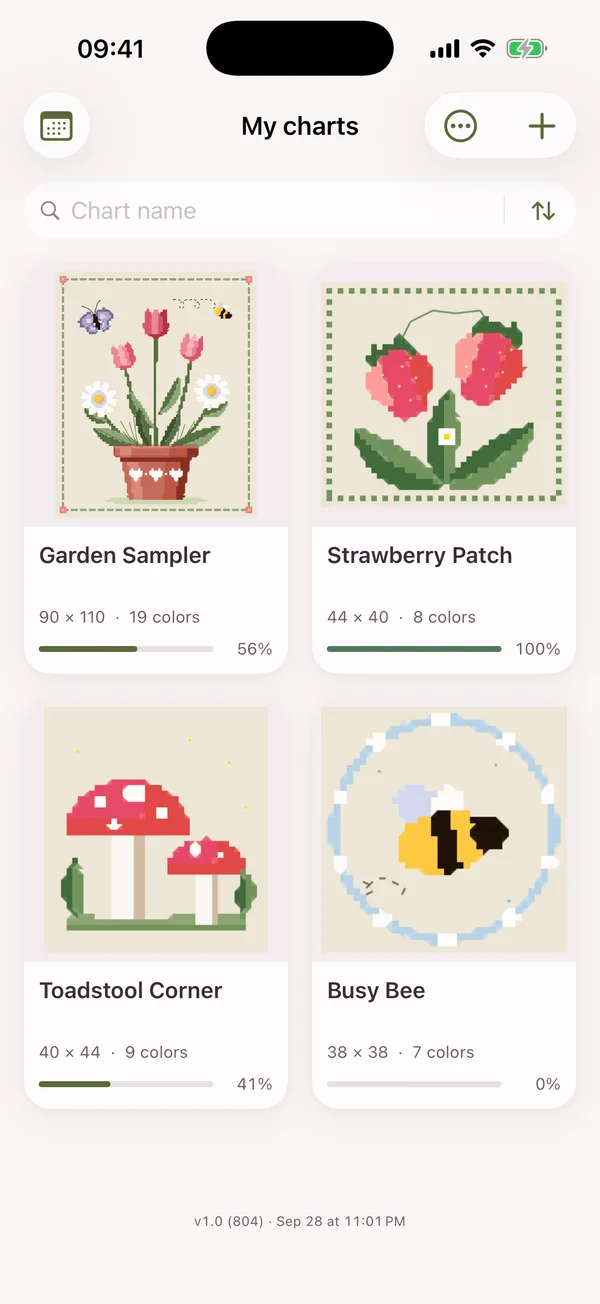
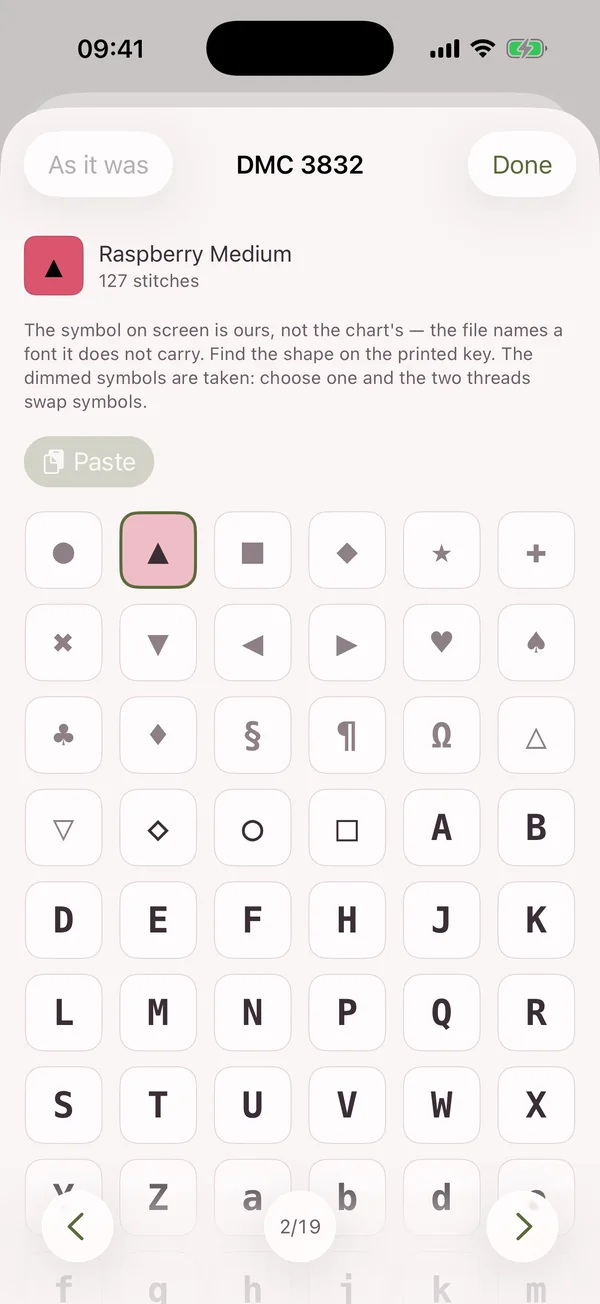
Open it in Stitch Garden: tap the file in Files, send it by AirDrop or Mail, or tap + in the app and choose it. Pattern Maker's .xsd format is read directly, with its colours, symbols and backstitch.
Can I open a PCStitch .pat file on iPhone or iPad?
Yes. PCStitch .pat files from versions 6 to 11 open in Stitch Garden on iPhone and iPad.
What is an .oxs file?
OXS is the open cross-stitch format that many charting programs export. Save the .oxs file to Files, then tap + in Stitch Garden and choose it.
How do I mark off stitches on a PDF cross-stitch pattern?
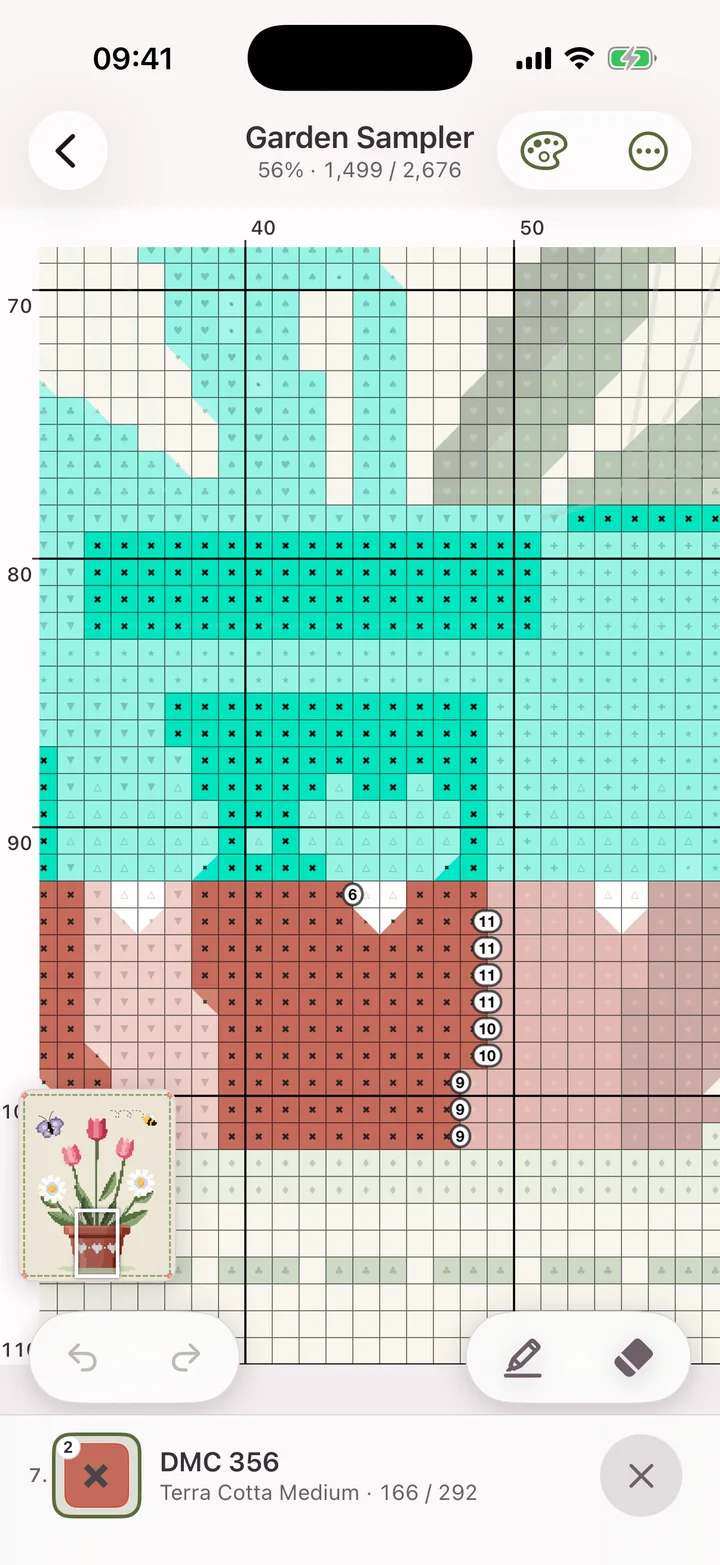
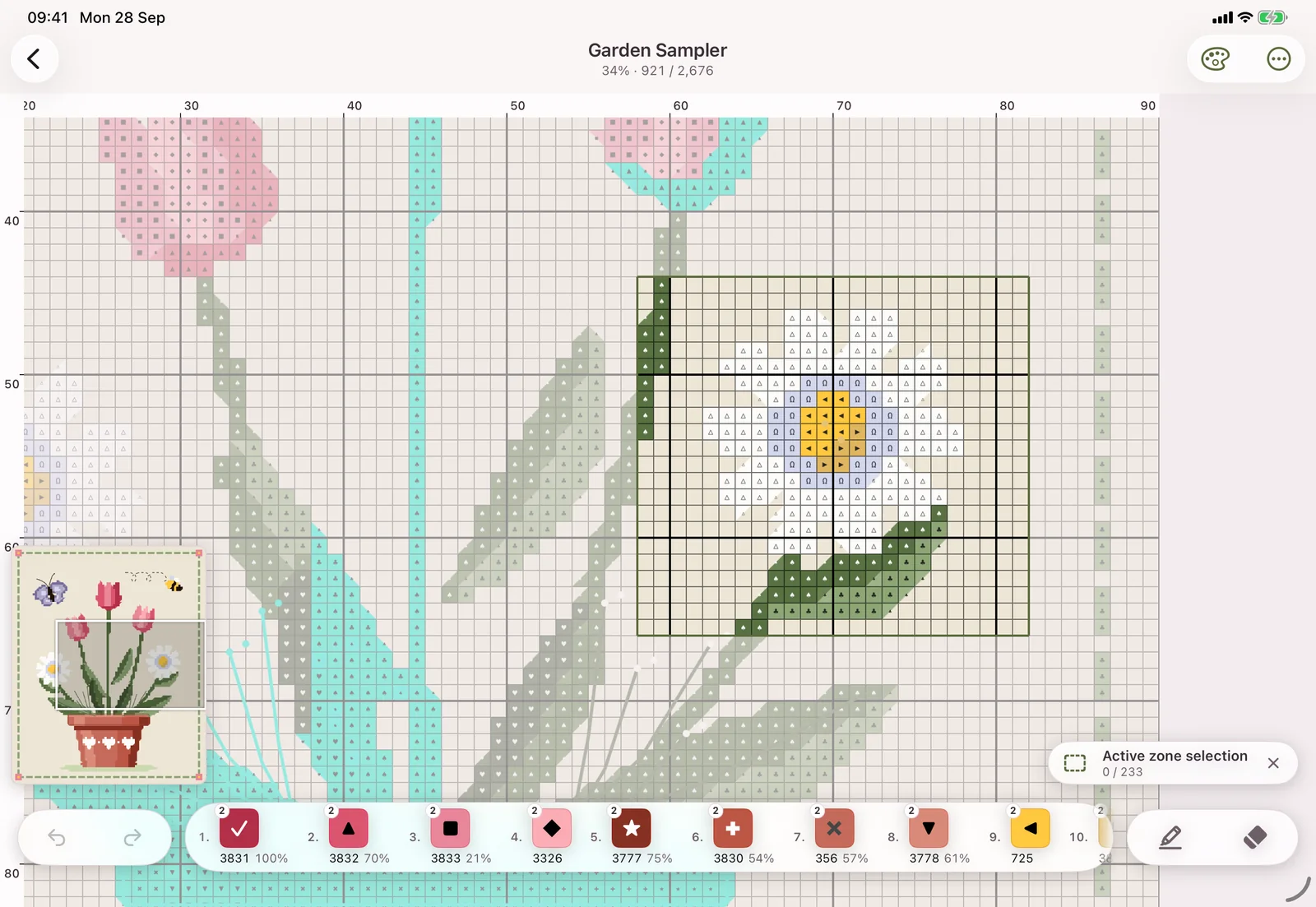
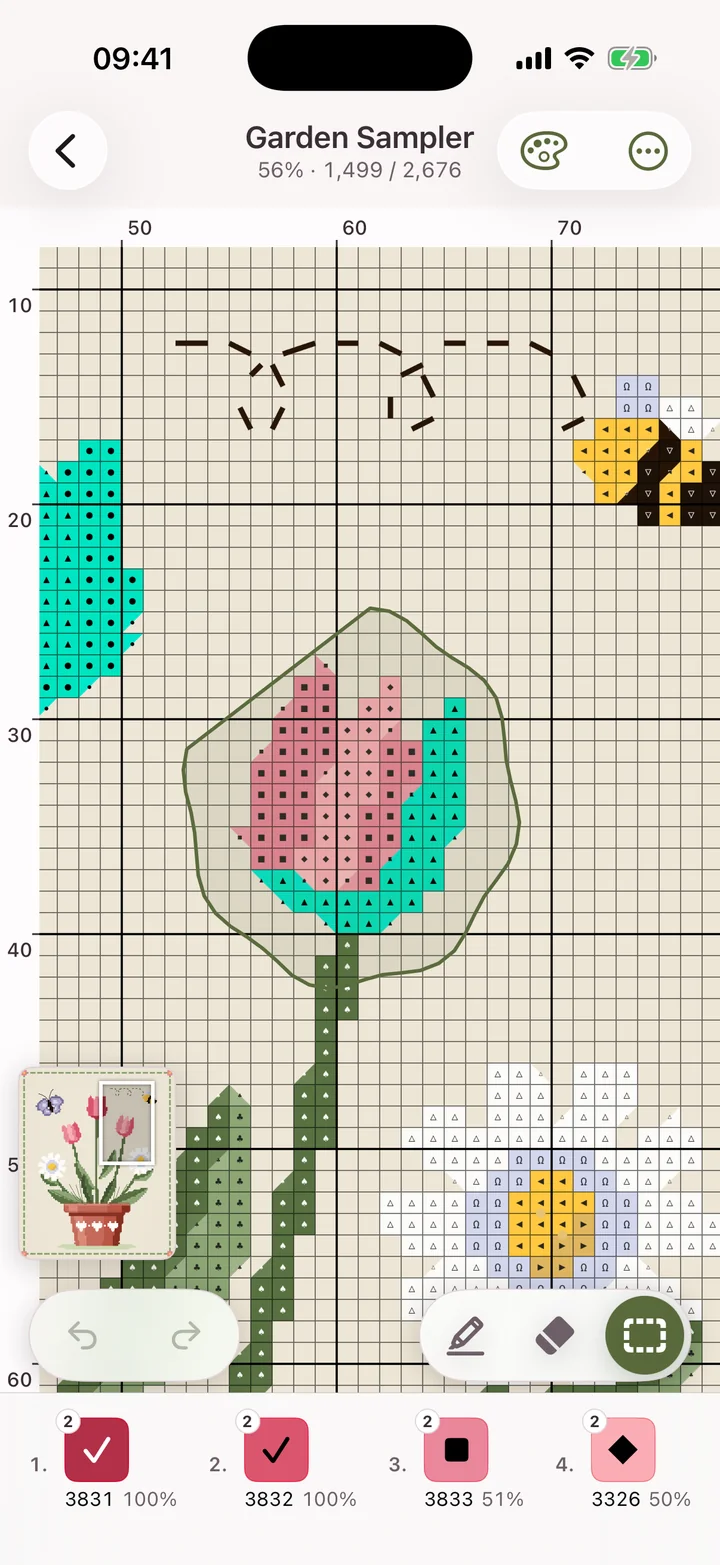
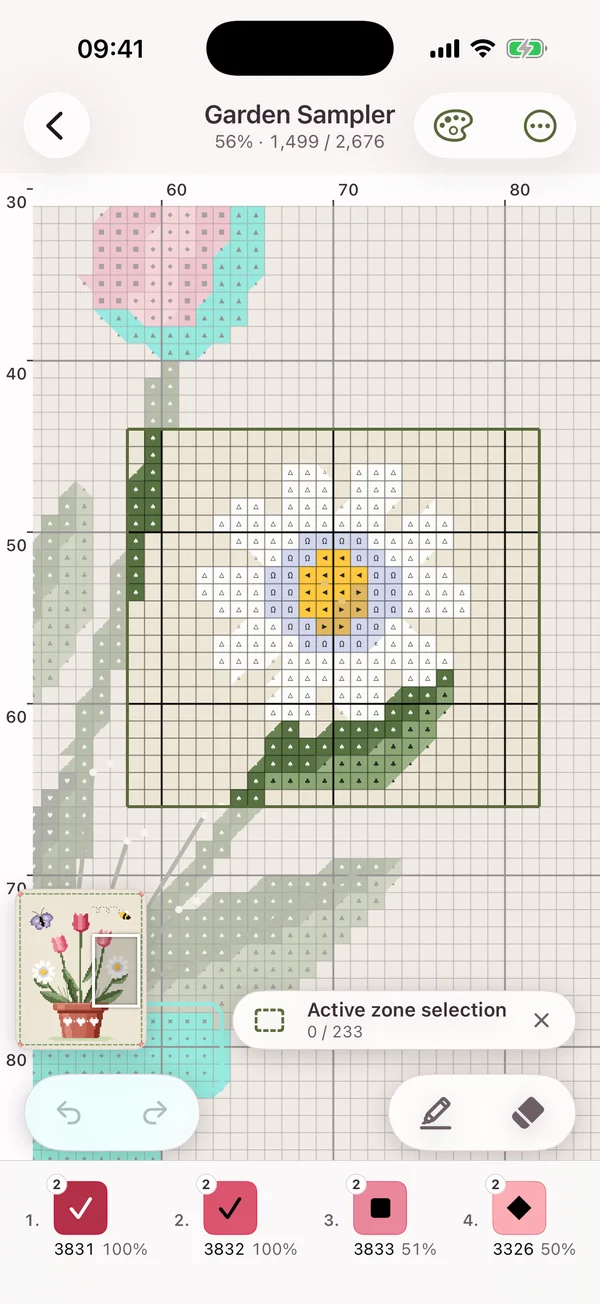
Add a supported PDF to Stitch Garden, check the imported chart, then tap squares to mark them as stitched. Vector PDFs have been tested with Pattern Maker exports. For image-only PDFs, check the recognized colours and stitches before starting; backstitch and fractional stitches are not recognized.
How many skeins of floss do I need for a chart?
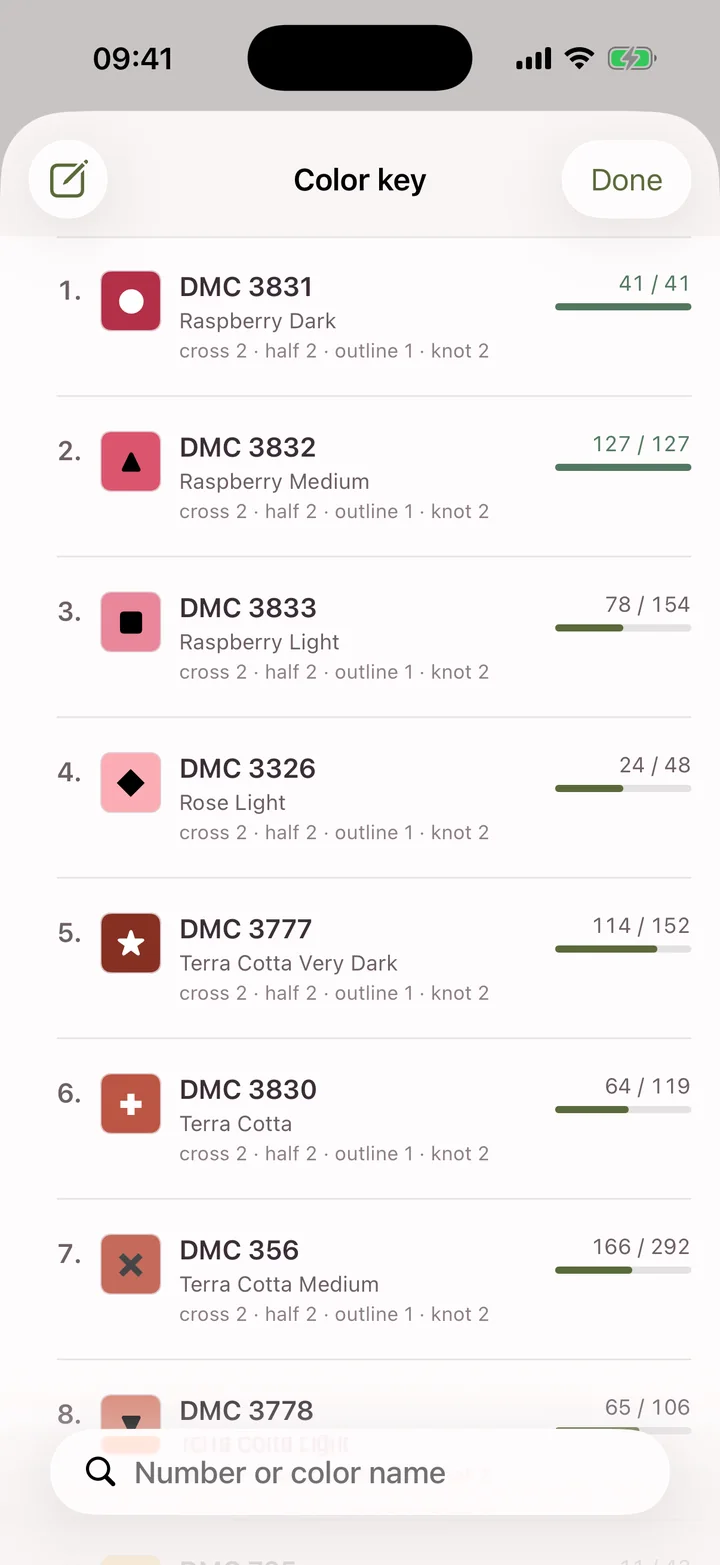
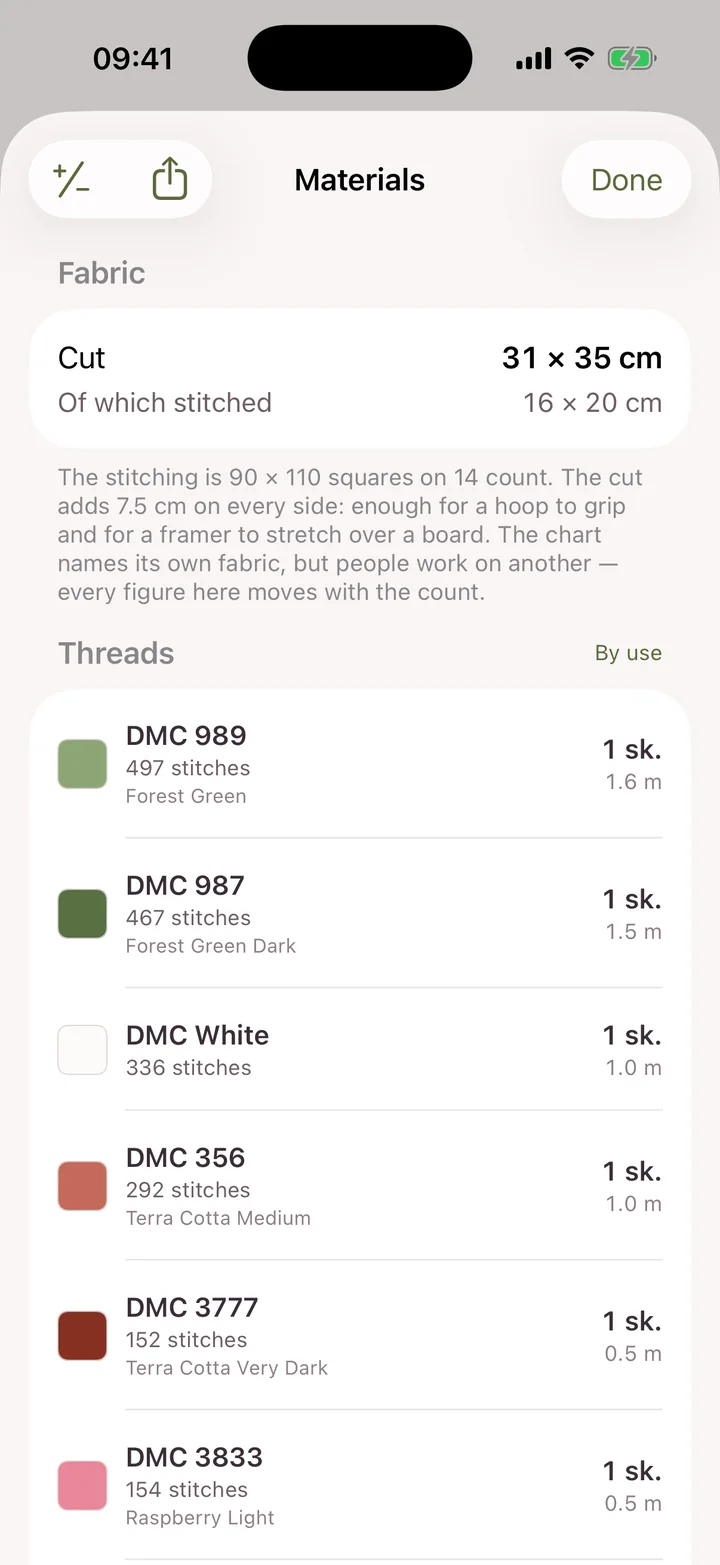
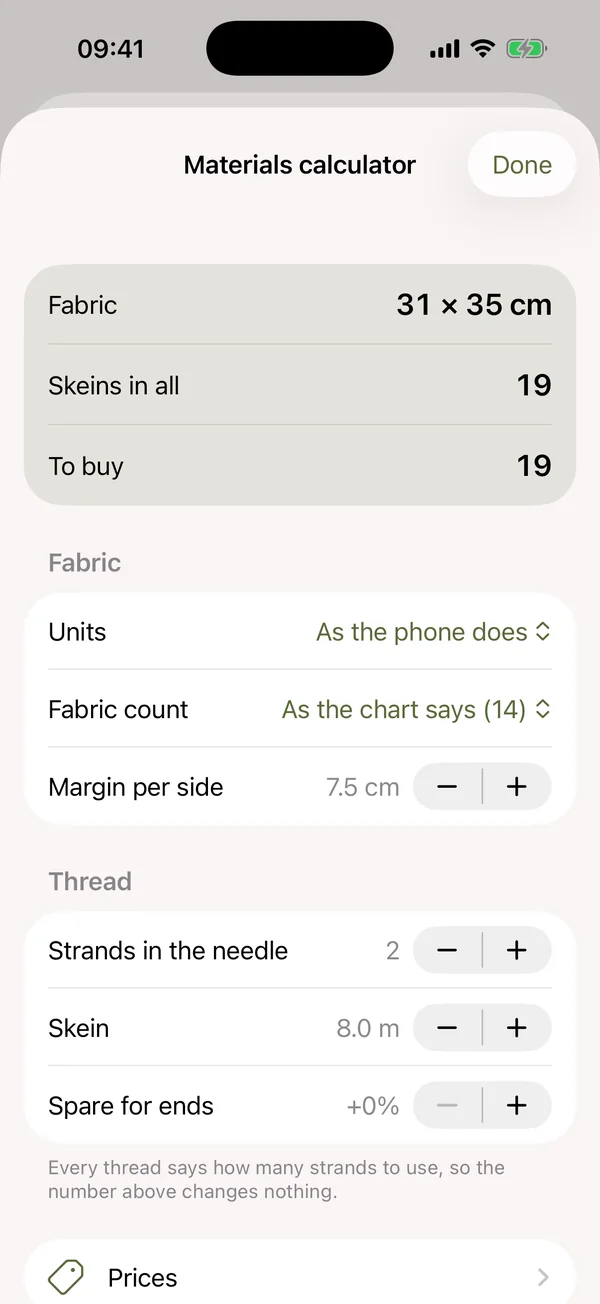
The materials screen lists every thread in the chart with how many skeins it needs, from the strands and skein length you choose. Mark what's already in your stash and the rest becomes the shopping list.
How long will my cross stitch take?
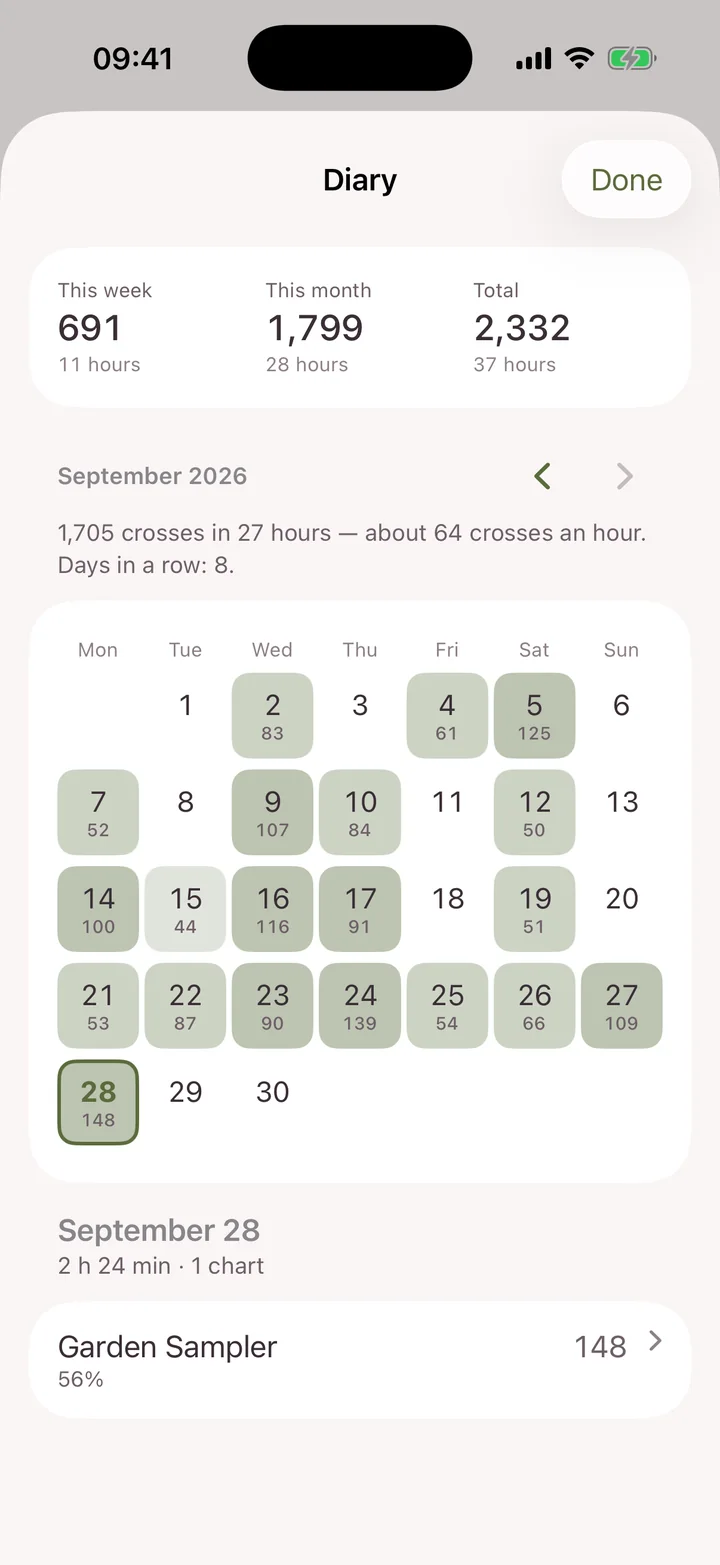
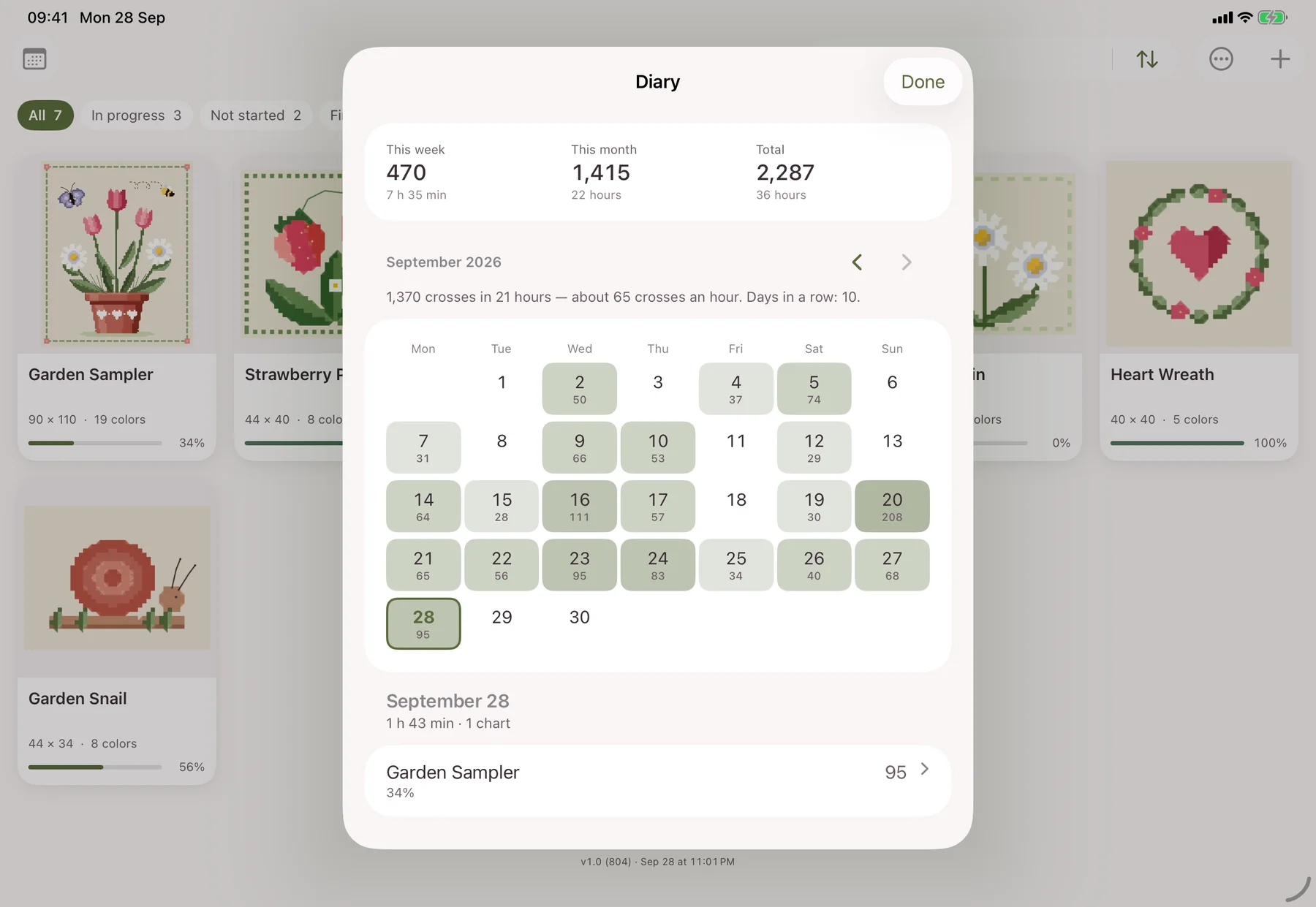
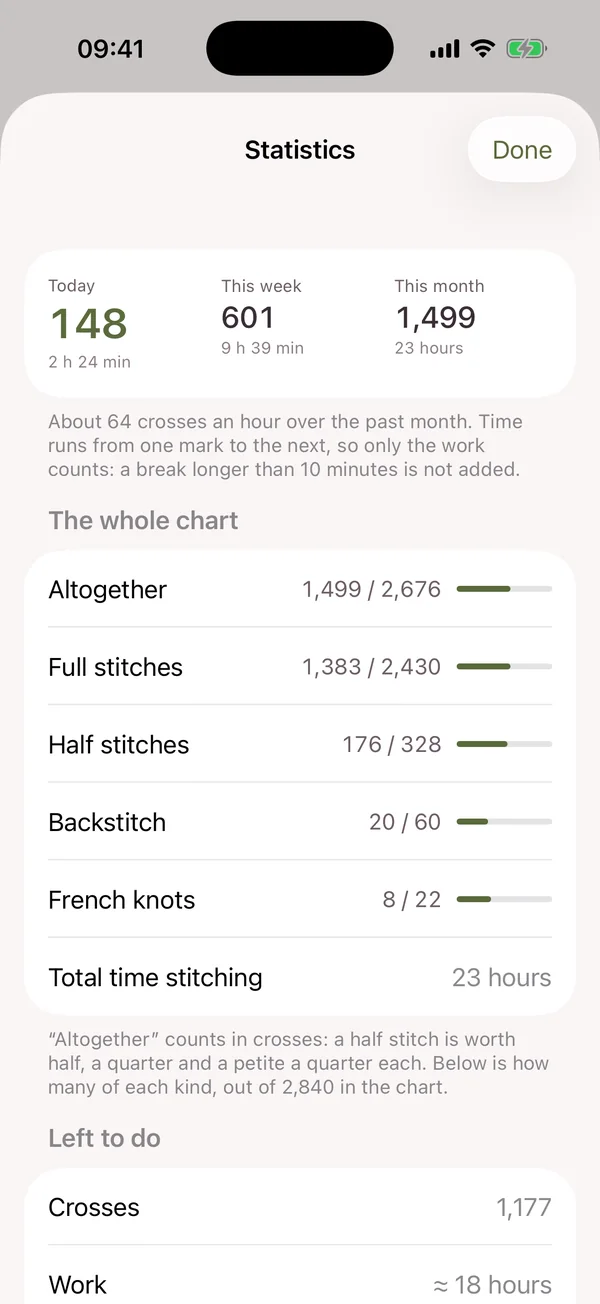
The stitching diary records the time you spend and the crosses you make each day, and after a week of work it forecasts the date you'll finish.
Do I need an account?
No. There is no sign-up, no login and no Stitch Garden server. Everything is kept on your device.
Does my progress sync between devices?
Between iPhone and iPad, through your own private iCloud. On Android, through a private folder in your own Google Drive that only the app can see. Photos stay on the device they were taken on.
Can I move a chart between iPhone and Android?
Yes. Share a progress file from one and open it on the other. It carries your marks, resets and parked needles for one chart or several; open the same chart file on the new device and the work is there.
Is there a subscription?
No. Stitch Garden is bought once. There are no in-app purchases, no ads, no subscription and no limit on how many charts you keep, and Family Sharing is on.
What does it run on?
Stitch Garden is designed for iPhone and iPad with iOS or iPadOS 17 or later, and Android 8 or later. Public App Store and Google Play releases are coming soon; no public release date has been announced.
Something isn't right with my chart.
Write to support@stitchgarden.app with the chart's name and a screenshot. More on the support page.